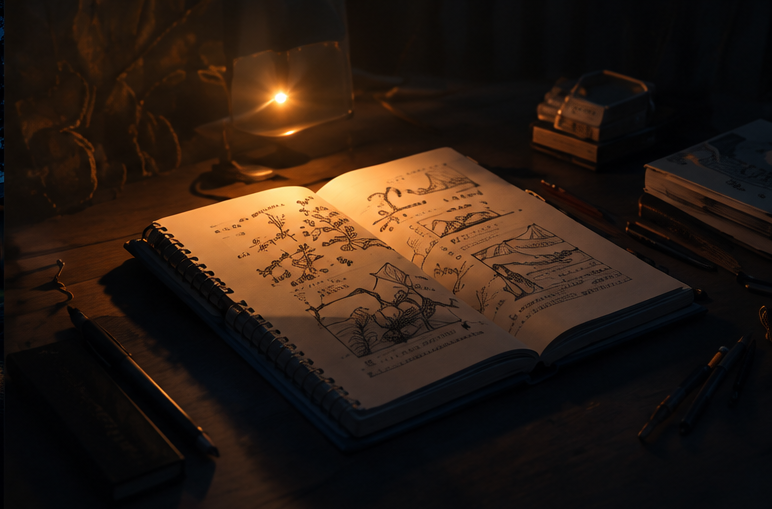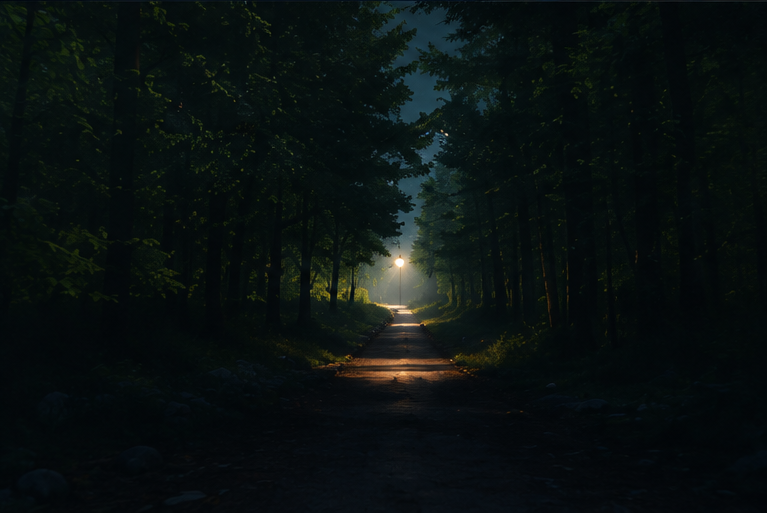
At first, a website looks like a group of pages.
But when it is used for a long time, it becomes a kind of order in life.
ByteForge Studio is not only for publishing articles, and it is not simply a portfolio. It is closer to a personal technical information site: a place to record life, share technical thoughts, display projects, and bring the materials used by the site into the open with source notes.
I want it to keep several simple principles.
Do not burn too fiercely; what lasts grows with restraint.
Keep one quiet corner, and listen to the rain by the half-open window.
Do not spend yourself on needless contests.
Before dawn arrives, a lamp is still worth keeping.
These lines are not decoration.
They describe how the site should be used.
Do not try to finish a huge system in one day. Do not fill every page just to make it look lively. Write slowly, organize slowly, and let the content last a little longer.
Why Separate Sections
If every piece of content is placed into one blog list, it is convenient at first and messy later.
ByteForge Studio is divided into four kinds of content:
- Journal
- Tech
- Projects
- Assets
They are not there to make the site look bigger.
They exist because each kind of content has a different job.
What the Journal Is
The journal is the widest entrance.
It can hold life, desk notes, workflow, night thoughts, and observations that have not yet become projects or technical articles.
A journal entry does not always need to solve a problem.
It keeps the state of a moment.
Some things look like fragments now. Later, when looking back, they may show how a person slowly forms a way of living and working.
What Tech Is
Technical content is the part that other people may be able to reference.
It does not have to be a complete tutorial, but it should try to explain:
- why something was done
- what problems appeared
- what route was chosen
- how it may be improved next time
For example: why the site uses Astro, why images should be connected to R2, and why assets should be split into thumbnails, display images, and originals.
These notes are for others, but also for my future self.
When maintaining a site, the easiest thing to forget is not the code.
It is why the design was chosen in the first place.
What Projects Are
The project section is used for things that are being built, things worth showing, and things worth recommending.
It can hold my own projects. It can also show tools, sites, or resources that I recognize.
It is like a quiet display case.
Not every project has to be big. Not every project has to be perfect before it can be recorded. If it is worth keeping, it can have a place.
A project page should have a change log.
Then it is not just a static card, but a record of continuous maintenance.
What Assets Are
The asset library is not here to hide images inside the code.
On the contrary, it brings the materials used by the site into view.
Where an image comes from, whether it can be referenced, whether it is AI-generated, original, third-party licensed, or public domain, should all be clear.
If someone only wants to see where an image came from, they should not need to open developer tools.
If an asset is allowed to be reused, it can be taken and used.
But the source and license should be made clear first.
The point of the asset library is not to pile up resources.
It is to reduce ambiguity.
Series and Tags
Tags are horizontal relationships.
For example, one article can belong to website, content-management, and assets at the same time.
Series are vertical relationships.
For example, ByteForge-Content System means these pieces all talk about the same long-term subject.
Tags are like indexes. A series is like a line.
With both layers, content will not become only a messy list when it grows.
Why Recommendation Scores Are Not Shown Directly
The site has internal recommendation levels.
But they should not become a number shown to readers.
Readers care whether a piece is worth reading, not how many points the backend added to it.
So recommendation should become a gentle sorting rule: important content appears earlier, representative work is easier to see, and new content naturally has some freshness.
The system should help with this.
It should not require changing weights by hand every time a new article is written.
Videos and Future Content
ByteForge Studio may later include video subscriptions or viewing notes.
These videos may be technical shares, or they may be a kind of content organization: a tool, a project, a way of living, or a piece of inspiration worth keeping.
The site does not need to become a video platform.
What matters more is that videos can become part of the content system: what I watched, why it was worth recording, and how it connects to existing articles, projects, and assets.
If these relationships can be connected, the site will become more like a real information space.
What Should Remain
When someone arrives here, I hope they see more than pages and categories.
I hope they see a person seriously organizing technology, life, and belief.
ByteForge Studio leans toward order.
But this order should not feel like a cold archive.
It should keep a little night light, a quiet sense of continuity, and something that other people can reference or take away.
That is why this content system exists.